
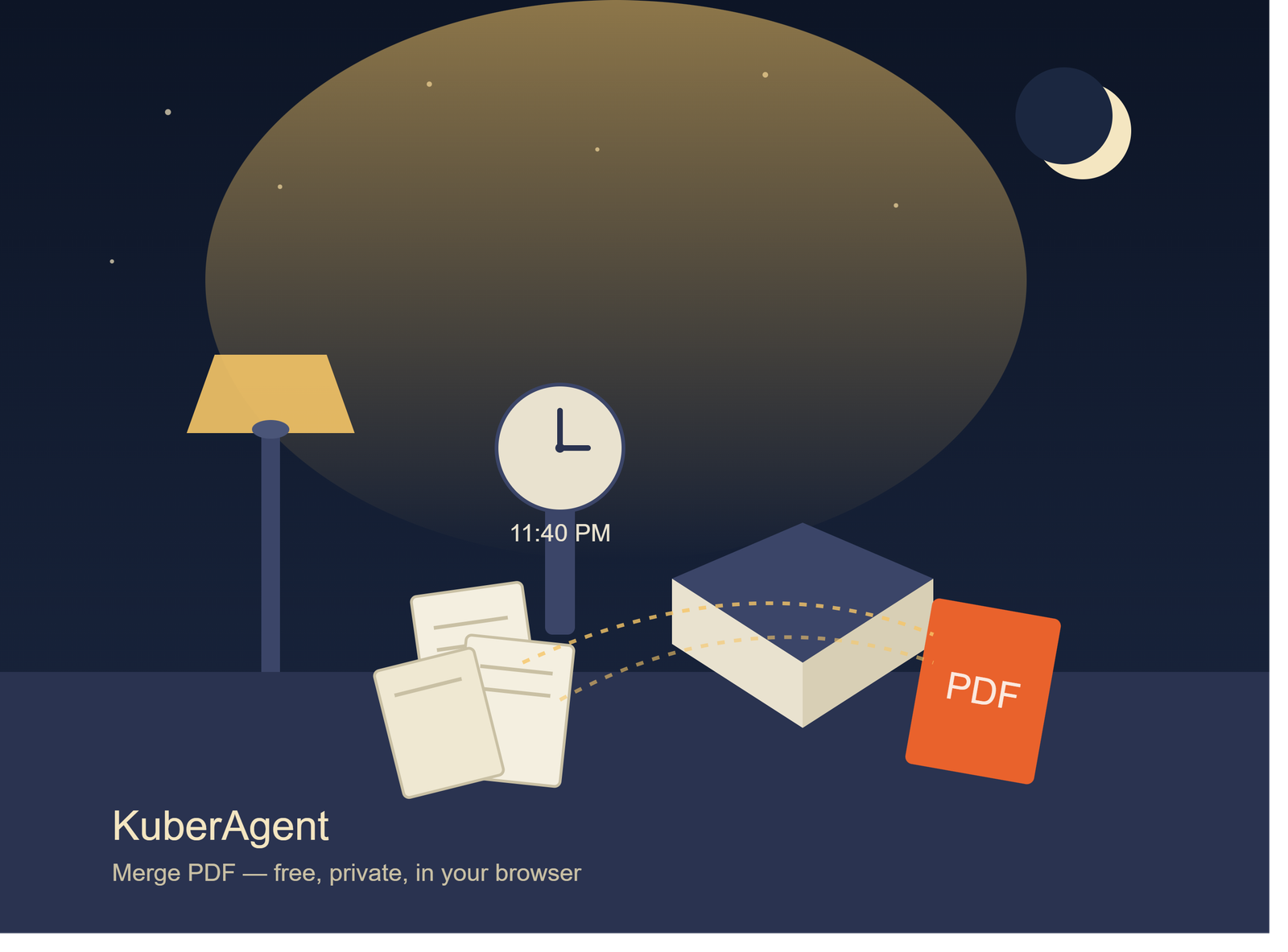
It was 11:40 PM and my CA's WhatsApp reminder was sitting there, unread on purpose: "Please send all expense receipts as ONE pdf, not 14 separate files."
I had exactly 14 separate files. Scanned on different days, some from my phone camera, one that my printer's scanner app had named "Untitled_Scan_3(4).pdf" for reasons known only to itself. A couple were photos of receipts I'd flattened into PDF using some app I installed once and forgot about. Nothing matched. Nothing was in order. And the deadline for filing was the next morning.
My first instinct was what everyone's is at 11:40 PM — type "merge pdf online" into Google, click the first result that isn't an ad, and drag all 14 files in without thinking twice. I actually had the tab open. Files selected. Cursor hovering over the upload button.
Then I stopped and actually looked at what I was about to hand over.
The Files Weren't Just "Receipts"
These weren't random documents. One had my bank transaction slip with the account number partially visible. Another was an invoice with my home address printed at the top. One receipt still had the last four digits of a card number sitting right there at the bottom, because the merchant's printer hadn't bothered masking it.
And I was about to upload all of it to a server I knew nothing about, run by a company I'd never heard of, with a privacy policy I definitely wasn't going to read at midnight. Best case, it sits on their storage for "processing purposes" and gets deleted eventually. Worst case — who actually knows. Most of these sites don't say, and the ones that do bury it in paragraph nine of a policy nobody opens.
That single hesitation — file selected, cursor on the upload button, and just... not clicking — is the exact moment that got KuberAgent's Merge PDF tool built in the first place. Not as some abstract "let's build 129 tools" roadmap decision, but from precisely this kind of late-night scramble, staring at a page about to send private financial documents to a stranger's server because there was no better option in front of me.
So I Used My Own Tool Instead
I closed that tab and opened KuberAgent's Merge PDF page instead. Dragged all 14 files into the upload area.
The thumbnails showed up almost instantly — no spinning upload bar, no "uploading file 3 of 14" progress indicator crawling across the screen. That's because there wasn't an upload happening at all. The browser was just reading the files straight off my laptop's disk, the same way it reads a file you're about to open in any other app.
A few of the scans were out of order — the printer app's exports had numbered themselves in a sequence that made no sense once I actually looked at the content. I dragged three thumbnails into the right place. Took maybe ten seconds. Hit "Merge."
Three seconds later — one clean PDF, all 14 receipts, correctly ordered, ready to download.
What Didn't Happen
No account creation. No email address required. No "sign up to remove the watermark" popup blocking the download button at the last second. No ad for a VPN I don't need loading in between clicks. And the part that actually mattered most to me at 11:44 PM — not one byte of those receipts left my laptop at any point in the process.
I attached the merged file to the WhatsApp message and sent it off. Closed the laptop. Went to bed four minutes later than I would have otherwise, but without the nagging feeling of "I hope that random PDF site doesn't do something weird with my bank slip."
Why This Actually Matters
Most people don't think twice about where their files go when they use a "free" online tool. It's understandable — you're in a hurry, the tool is free, it works, you move on. But think about what merging PDFs usually involves in practice. You're rarely merging things that were private enough to be scattered across separate files by accident. Medical reports split by visit date. Signed rental agreements split by page. Financial statements split by month. ID scans split front-and-back. The very reason these files exist separately is often the reason they're sensitive in the first place.
The convenience of a single click shouldn't come bundled with the tradeoff of your documents sitting on someone else's server indefinitely, subject to a retention policy you never read and can't verify. And yet that's the default most people accept, because the alternative — installing desktop software, learning a new interface, paying for Adobe Acrobat just to combine six PDFs — feels like more effort than the problem deserves.
How the Merge PDF Tool Actually Works
That's the whole reason KuberAgent's Merge PDF tool — like every tool on the site — runs entirely inside your browser using WebAssembly. Here's what that means in practice, not just as a privacy claim:
- No upload step exists. When you drag a file in, JavaScript reads it directly from your device's memory. There's no server-side endpoint receiving your PDF at any point.
- The merge itself happens locally. A WebAssembly module — compiled code running at near-native speed inside your browser tab — stitches the PDF byte structures together on your own machine's processor.
- The output never touches us either. The merged file is generated in your browser's memory and offered to you as a direct download. Our server's only job in this entire flow is delivering the HTML, CSS, and JavaScript that make the page work — the same way any website loads its code.
- Close the tab, and it's like it never happened. Nothing is cached on our end, because nothing ever arrived on our end.
You can even test this yourself — turn off your WiFi after the page has loaded, and the merge still works. That's usually the fastest way to convince yourself a "client-side" claim is actually true rather than just a line of marketing copy.
Reordering Before You Merge
One thing that made that midnight merge faster than I expected: you don't have to get your files in the right order before uploading. Once the thumbnails appear, you can drag them into whatever sequence you need — first page first, last page last, or however your CA, your visa office, or your landlord wants them arranged. It's a small detail, but it's the difference between opening six other apps to rename and reorder files beforehand, versus just fixing it visually in ten seconds on the same screen where you're about to merge anyway.
If You've Had Your Own 11:40 PM Moment
Maybe it's not tax receipts for you. Maybe it's merging scanned pages of a signed contract before a deadline, combining a portfolio of design files before a client call, or putting together medical reports before an appointment. Whatever it is, if there's a deadline, a pile of scattered PDFs, and zero desire to upload anything sensitive to a stranger's server — that's exactly the situation this tool was built for.
The Merge PDF tool is free, requires no login, and works the same way at 11:40 PM as it does at 11:40 AM: your files stay on your device, the whole time.
Ready to try the Merge PDF tool?
Combine multiple PDFs into one file, right inside your browser. Reorder pages before merging. No uploads to a third-party server, no watermark, no registration required.