
It was 10 PM. Aman had spent three days editing his first travel vlog. The video had finished exporting. Only one thing was left: the thumbnail.
He picked the thumbnail he'd designed in Canva and hit upload. YouTube shot back instantly:
"Thumbnail file is too large."
The image was 5 MB. He had also tweaked it on his phone, so the dimensions were off. When he finally got it to upload, the edges were cropped and half the text was gone.
The problem wasn't the design. It was the size.
This is where most new creators slip. The thumbnail looks great, but it doesn't follow YouTube's rules:
- Dimensions: 1280 x 720 pixels (16:9 ratio)
- File size: under 2 MB
- Format: JPG, PNG or GIF
Get any one of these wrong and the upload fails or the thumbnail shows up cropped. A cropped thumbnail means fewer clicks.
What Aman tried first (and why it felt wrong)
He searched "compress image online free" and uploaded his thumbnail to the first site he found. It had ads, pop-ups, and wanted him to sign up just to download.
Then it hit him: this is only a thumbnail. But what if it were an ID card or a client's file? Every "upload your file" button means your file is traveling to someone else's server.
Then he tried KuberAgent
A friend had told him that KuberAgent's tools run entirely inside your browser. Thanks to WebAssembly, your image never leaves your device. No upload, no login, no watermark.
A perfect thumbnail in 3 steps
- Open the tool: launch KuberAgent's Image Resizer / Compressor
- Select your thumbnail and set the size: width 1280, height 720
- Compress and download: adjust quality until the file is under 2 MB
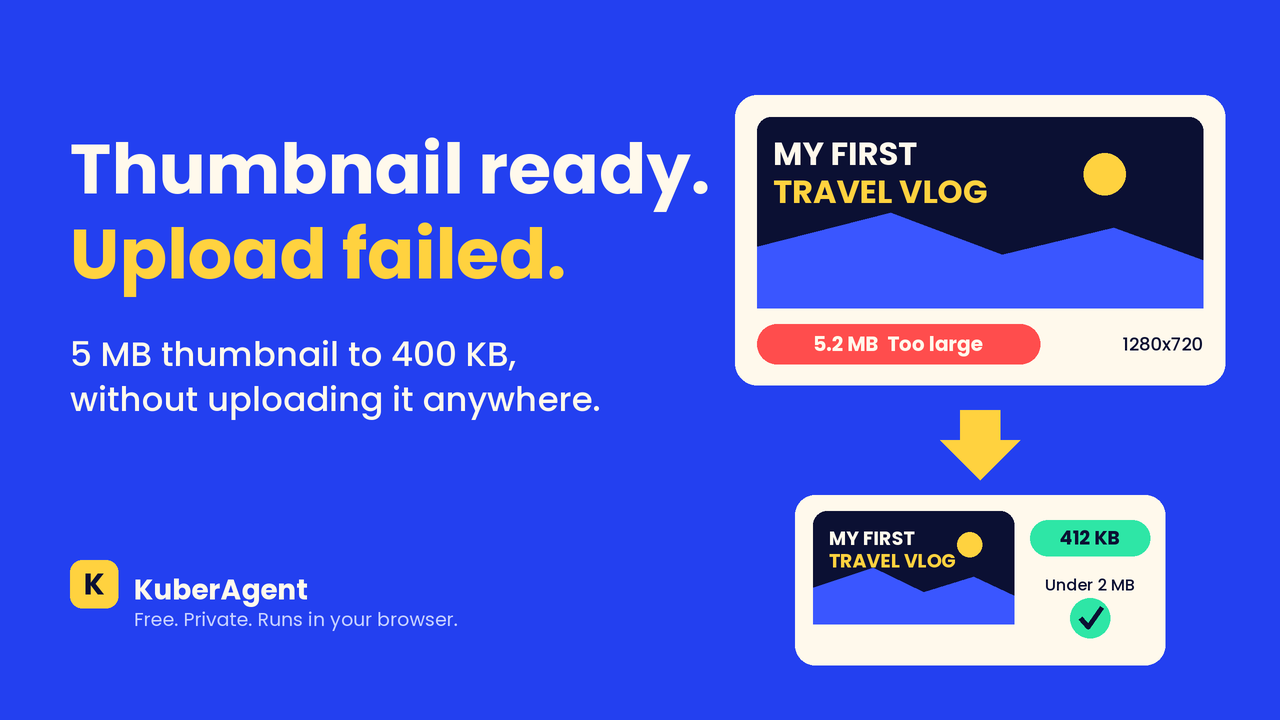
In two minutes, his 5 MB thumbnail became 400 KB. Sharp, correctly sized, and YouTube accepted it without a single error.
4 quick thumbnail tips
- Use big text. Thumbnails look tiny on mobile
- Keep text away from the edges. The video timestamp covers the bottom-right corner
- Show a face and a clear emotion. It tends to lift click-through rate
- Preview it on your phone before uploading
How Aman's story ended
The video went live that same night. The thumbnail was sharp, and best of all, he didn't have to upload anything to a random website.
Now, whenever he needs to resize or compress an image, KuberAgent is the first tab he opens.
Try it yourself: free, private, no signup.
Ready to try YouTube Thumbnail Builder?
Create eye-catching YouTube thumbnails with text overlays, outlines, background replacements, and standard 1280x720 layout templates locally. Process your files locally & securely right inside your browser. No registration required.