
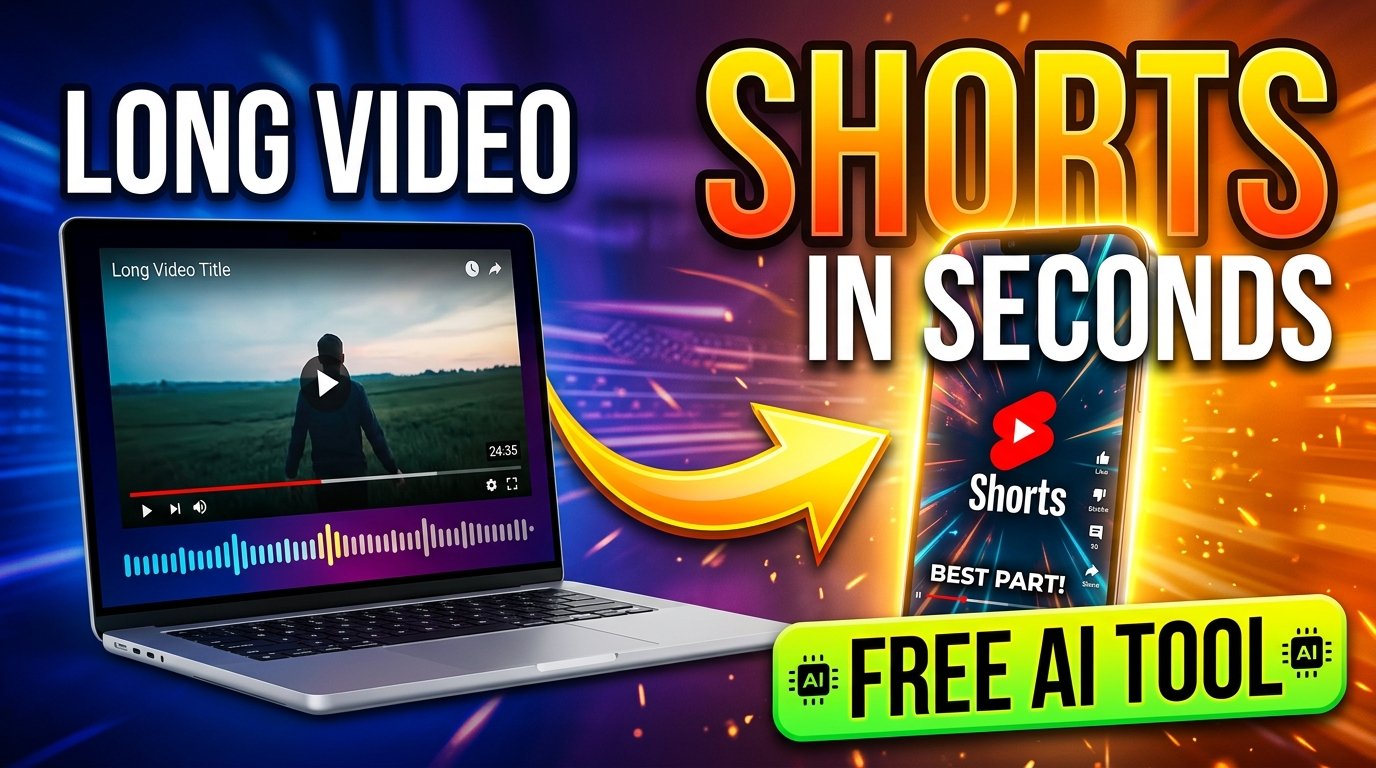
How to Convert Long Videos to Shorts Using AI – Free Online Tool (2026)
In today's fast-paced digital world, short-form video content dominates every major platform — from YouTube Shorts and Instagram Reels to TikTok. But manually clipping long videos into engaging short clips takes hours. That's where AI-powered video-to-shorts tools completely change the game.
KuberAgent's free Video to Shorts tool uses artificial intelligence to automatically detect the most engaging moments in your video and convert them into perfectly formatted short clips — in seconds.
What Is a "Video to Shorts" AI Tool?
A Video to Shorts converter is an AI-powered online tool that takes your long-form video (YouTube video, podcast recording, lecture, webinar, or any MP4 file) and automatically generates short, vertical clips (typically 15–60 seconds) optimized for:
- 📱 YouTube Shorts (9:16 vertical format)
- 📸 Instagram Reels
- 🎵 TikTok videos
- 💼 LinkedIn short clips
- 🐦 Twitter/X video posts
Instead of spending hours in video editing software, AI identifies highlights, key dialogue, and peak engagement moments — automatically.
Why Short-Form Videos Are Critical in 2025
According to recent digital marketing data, short-form video content generates 3x more engagement than long-form content on social media. Platforms like YouTube, Instagram, and TikTok now actively prioritize short clips in their recommendation algorithms.
Here's why creators, marketers, and businesses are switching to AI video clipping tools:
- ✅ Higher organic reach — Shorts get promoted on the main feed
- ✅ Lower production cost — Repurpose existing content
- ✅ Faster content output — Publish more with less effort
- ✅ Better audience retention — Short clips keep viewers hooked
- ✅ AI search visibility — Short content with metadata ranks in AI-powered search engines like Google's SGE and Bing Copilot
How KuberAgent's Video to Shorts Tool Works
KuberAgent's AI Video to Shorts converter is completely free, browser-based, and requires zero technical skills. Here's how it works step by step:
Step 1: Go to the Tool
Visit kuberagent.com/tool/video-to-shorts — no login or software download needed.
Step 2: Upload Your Video or Paste a URL
You can either upload a video file directly from your device (MP4, MOV, AVI supported) or paste a YouTube video link. The AI will instantly begin analyzing the content.
Step 3: AI Detects Highlight Moments
The built-in AI engine scans your video for:
- High-energy speech segments
- Emotional peaks and punchlines
- Key information and facts
- Viral-worthy soundbites
Step 4: Generate and Preview Shorts
The tool automatically generates multiple short clips from your video. You can preview each clip before downloading.
Step 5: Download Your Short Clips
Download your AI-generated Shorts in vertical 9:16 format — ready to upload directly to YouTube Shorts, Instagram Reels, or TikTok.
Key Features of KuberAgent Video to Shorts Tool
| Feature | Details |
|---|---|
| 🤖 AI-Powered Clipping | Automatically detects the best moments in your video |
| 💰 100% Free | No subscription or credit card required |
| 🌐 Browser-Based | Works on any device — no software to install |
| 📐 Vertical Format Export | 9:16 ratio output perfect for all short-form platforms |
| ⚡ Fast Processing | Converts videos in seconds using cloud AI |
| 🎬 Multiple Clips | Generate several short clips from one long video |
| 🔒 Privacy Safe | Your video files are processed securely |
Who Should Use a Video to Shorts AI Tool?
This tool is perfect for:
- 🎙️ Podcasters — Clip the best moments from your episodes
- 📹 YouTubers — Repurpose long videos into Shorts for extra reach
- 🏢 Businesses & Brands — Create social media content from webinars or product demos
- 🎓 Educators — Share key learning points as micro-lessons
- 📣 Digital Marketers — Maximize ROI from video content
- 🧑💻 Content Creators — Scale content output without scaling effort
Video to Shorts vs. Manual Video Editing — A Quick Comparison
| Factor | Manual Editing | AI Video to Shorts (KuberAgent) |
|---|---|---|
| Time Required | 2–5 hours per video | Under 2 minutes |
| Skills Needed | Video editing expertise | None — fully automated |
| Cost | Paid software (Adobe, etc.) | 100% Free |
| Output Quality | High (manual control) | High (AI-optimized) |
| Scalability | Limited (time-consuming) | Unlimited clips instantly |
Best Practices for AI-Generated Short Videos
Once you've generated your Shorts using KuberAgent's tool, follow these tips to maximize performance:
- Add captions — 85% of social media videos are watched without sound. Use subtitles for better engagement.
- Use a hook in the first 3 seconds — Start with a compelling question or statement.
- Optimize your title and description — Include primary keywords naturally.
- Post consistently — Aim for 3–5 Shorts per week for algorithm momentum.
- Engage in comments — Reply to viewers to boost engagement signals.
- Use trending audio — On Instagram Reels and TikTok, trending music increases discoverability.
Frequently Asked Questions (FAQ)
Q: Is KuberAgent's Video to Shorts tool completely free?
A: Yes. KuberAgent's Video to Shorts tool is 100% free to use. No account, no subscription, and no software download is required.
Q: What video formats does the tool support?
A: The tool supports MP4, MOV, AVI, and YouTube URL inputs. Output is delivered in optimized MP4 format for all short-form platforms.
Q: Does AI automatically detect highlights from my video?
A: Yes. The AI engine automatically analyzes your video for speech peaks, emotional moments, and engagement-worthy segments — then clips them into ready-to-publish Shorts.
Q: Can I use this tool for YouTube Shorts and Instagram Reels?
A: Absolutely. The output is in 9:16 vertical format, which is the standard for YouTube Shorts, Instagram Reels, TikTok, and Facebook Reels.
Q: How long does it take to convert a video to shorts?
A: Most videos are processed and converted into short clips within 60–120 seconds, depending on the original video length.
Conclusion: Let AI Do the Editing for You
Creating consistent short-form video content is no longer a luxury — it's a necessity for digital visibility in 2026. Whether you're a solo creator or a growing brand, AI video tools like KuberAgent's Video to Shorts converter help you work smarter, not harder.
Stop spending hours in editing software. Let AI identify your best moments and turn them into viral-ready clips — completely free, in seconds.
Ready to try Video to YouTube Shorts Converter?
Convert horizontal widescreen videos (16:9) into vertical (9:16) YouTube Shorts, TikToks, or Instagram Reels offline. Process your files locally & securely right inside your browser. No registration required.