
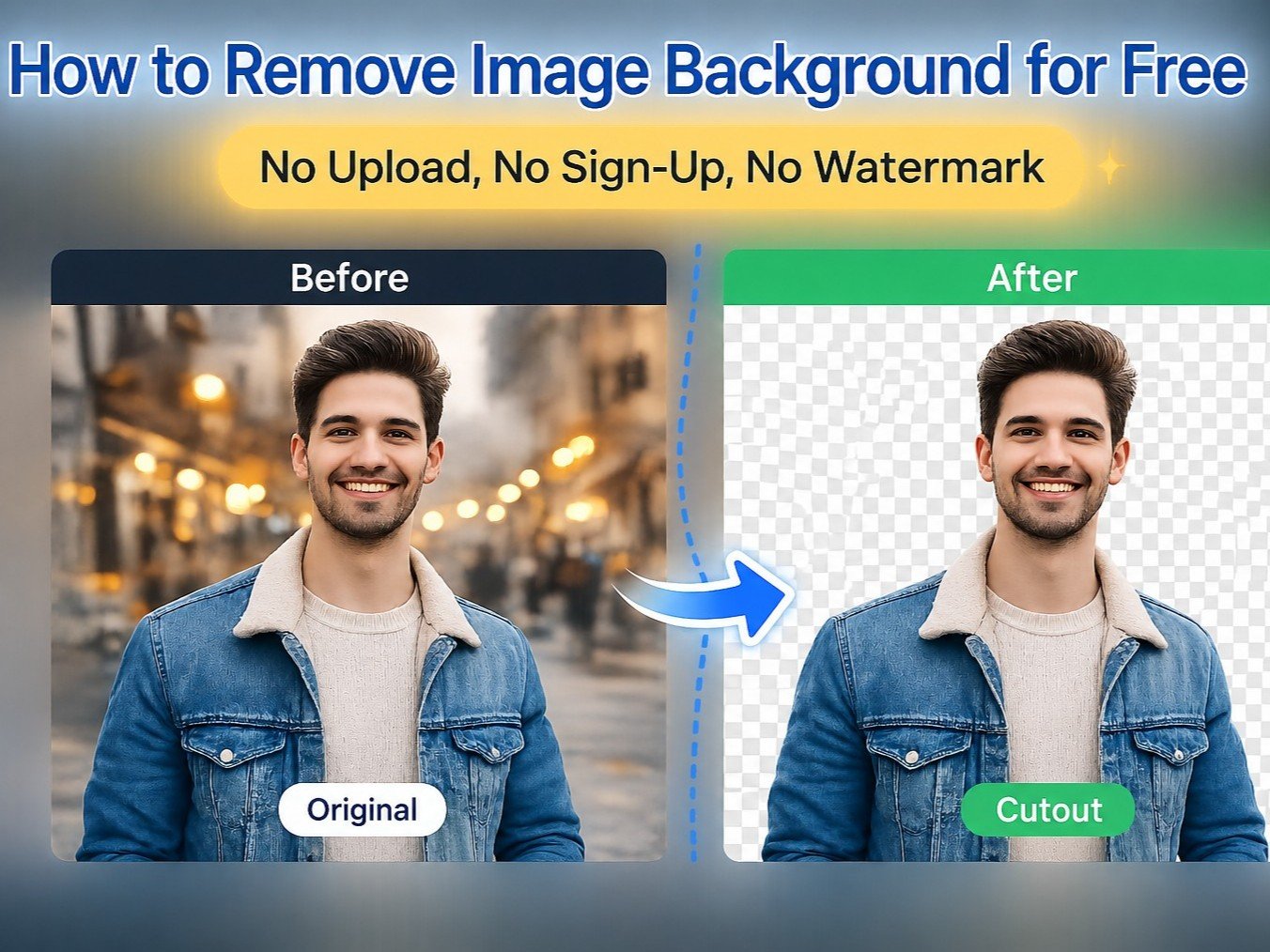
What Is the KuberAgent AI Background Remover?
KuberAgent's AI Background Remover is a completely free, browser-based tool that strips backgrounds from images without sending a single pixel to a server. It uses WebAssembly (WASM) and ONNX Runtime to run a neural network (MODNet) directly on your CPU or GPU — making it one of the most private image editing tools available today.
Key Features at a Glance
- 100% Local Processing — Your image never leaves your device.
- Two Removal Modes — AI Auto Remove for people and objects; Chroma Color Keying for solid backgrounds.
- Unlimited & Free — Because the AI runs on your hardware, there are no API costs or usage limits.
- Supports PNG, JPG, JPEG, WebP — Up to 2 MB per image.
- Transparent PNG Output — Download a clean, edge-refined result instantly.
The Tool: KuberAgent AI Background Remover
KuberAgent's free background remover is a browser-based AI tool that strips the background from any image — instantly, for free, with zero uploads to any server. The AI runs directly inside your browser using WebAssembly technology, which means your photos never leave your device.
How to Remove a Background from a Photo (Step by Step)
- Go to the tool — open kuberagent.com/tool/bg-remover in any browser.
- Upload your image — click "Select Photo" or drag and drop. Supports PNG, JPG, JPEG, WebP (up to 2MB).
- Pick a mode:
- AI Auto Remove — best for people, products, animals, and complex objects.
- Chroma Color Keying — best for solid white, green, or blue backgrounds.
- Click "Remove Background" — done in seconds.
- Download your PNG — clean transparent background, full resolution, no watermark.
First-time note: The tool downloads a ~20MB AI model on your first use. This happens once, gets cached in your browser, and after that it works even offline. Your image is never involved in this download.
Is It Actually Free? No Catch?
Yes — genuinely free, genuinely unlimited. Here's why: most background removers charge because they run AI on expensive cloud servers. KuberAgent runs the AI on your own device, so their server cost is zero. No cost to them = no cost to you. No daily limit, no credits, no subscription.
KuberAgent vs Remove.bg vs Canva — Quick Comparison
Feature KuberAgent Remove.bg Canva Free uses Unlimited 1/day (low-res) Limited Your image uploaded to server? Never Yes Yes Account required? No No (optional) Yes Watermark on download? Never Yes (free plan) Sometimes Works offline? Yes (after first load) No No Who Is This Tool Actually For?
- E-commerce sellers (Amazon, Etsy, Shopify) — clean white or transparent product photos without paying for studio editing.
- LinkedIn / resume headshots — swap your background without a professional photographer.
- Content creators — YouTube thumbnails, Instagram cutouts, Reel covers.
- Designers — grab a transparent PNG for Canva, Figma, or Photoshop.
- Anyone with a private photo — medical scans, sensitive documents, personal images — nothing leaves your device.
Does It Work on Mobile Without an App?
Yes. Open kuberagent.com/tool/bg-remover in Chrome or Safari on your phone, upload a photo from your gallery, and download the result. No app install needed. Works on Android and iPhone.
Bottom Line
If you need a background remover that is free forever, private by design, works on any device, and has zero daily limits — KuberAgent is the answer. No sign-up, no watermark, no catch.
Ready to try Image to Text (OCR) Scanner?
Extract copy-pasteable text from any image, screenshot, or photo locally using high-performance client-side OCR. Process your files locally & securely right inside your browser. No registration required.