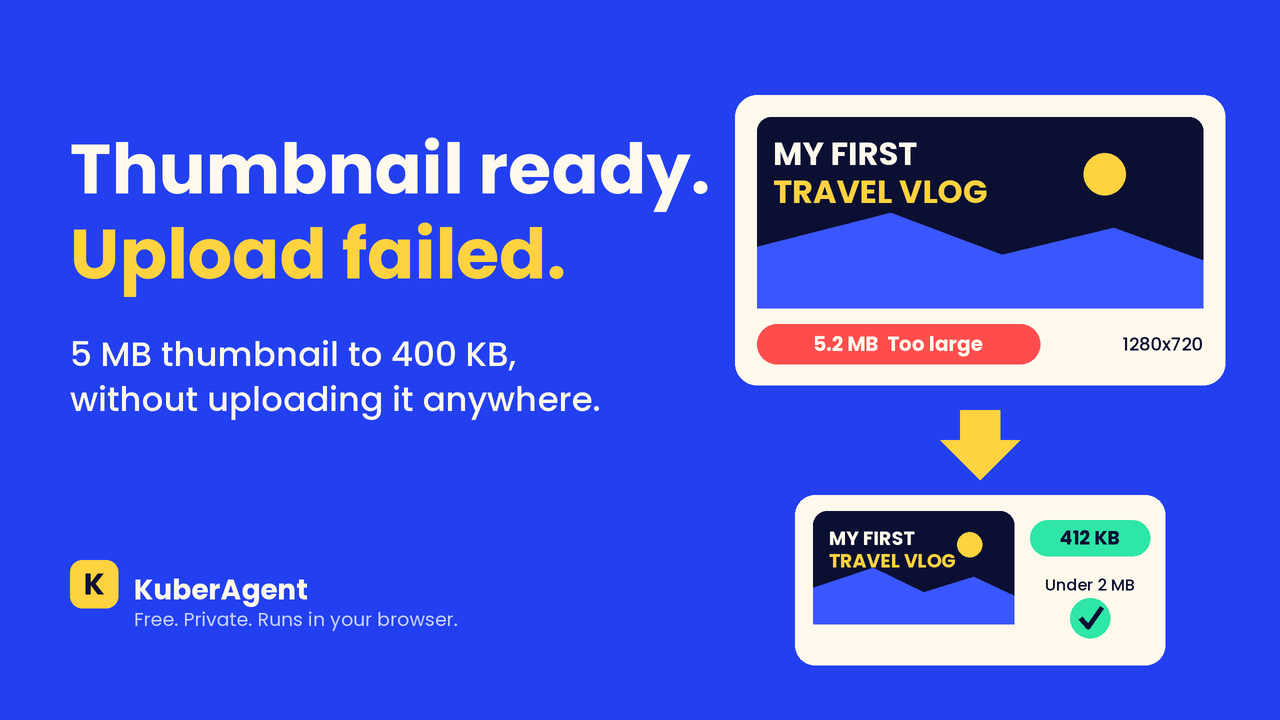
Thumbnail Ready, Upload Failed: One YouTuber Late Night
The video was done. The thumbnail was done. Then YouTube said "file too large." Here's how to resize and compress a thumbnail to 1280x720 and under 2MB, right in your browser, with no upload.
Explore local conversion techniques, browser sandbox safety guides, AI audio extraction, and our latest system performance specifications.
The video was done. The thumbnail was done. Then YouTube said "file too large." Here's how to resize and compress a thumbnail to 1280x720 and under 2MB, right in your browser, with no upload.
A late-night scramble to combine scanned receipts before a tax filing deadline — and why uploading them to a random "free" PDF site felt like the wrong move.
A midnight visa deadline, a watermarked PDF, and the real reason simple image-to-PDF tools keep getting locked behind a paywall — plus which ones actually let you finish the job for free.
A hands-on, story-style breakdown of the best image-to-text (OCR) tools — tested for accuracy, handwriting recognition, and formatting retention, so you don't have to guess which one actually works.
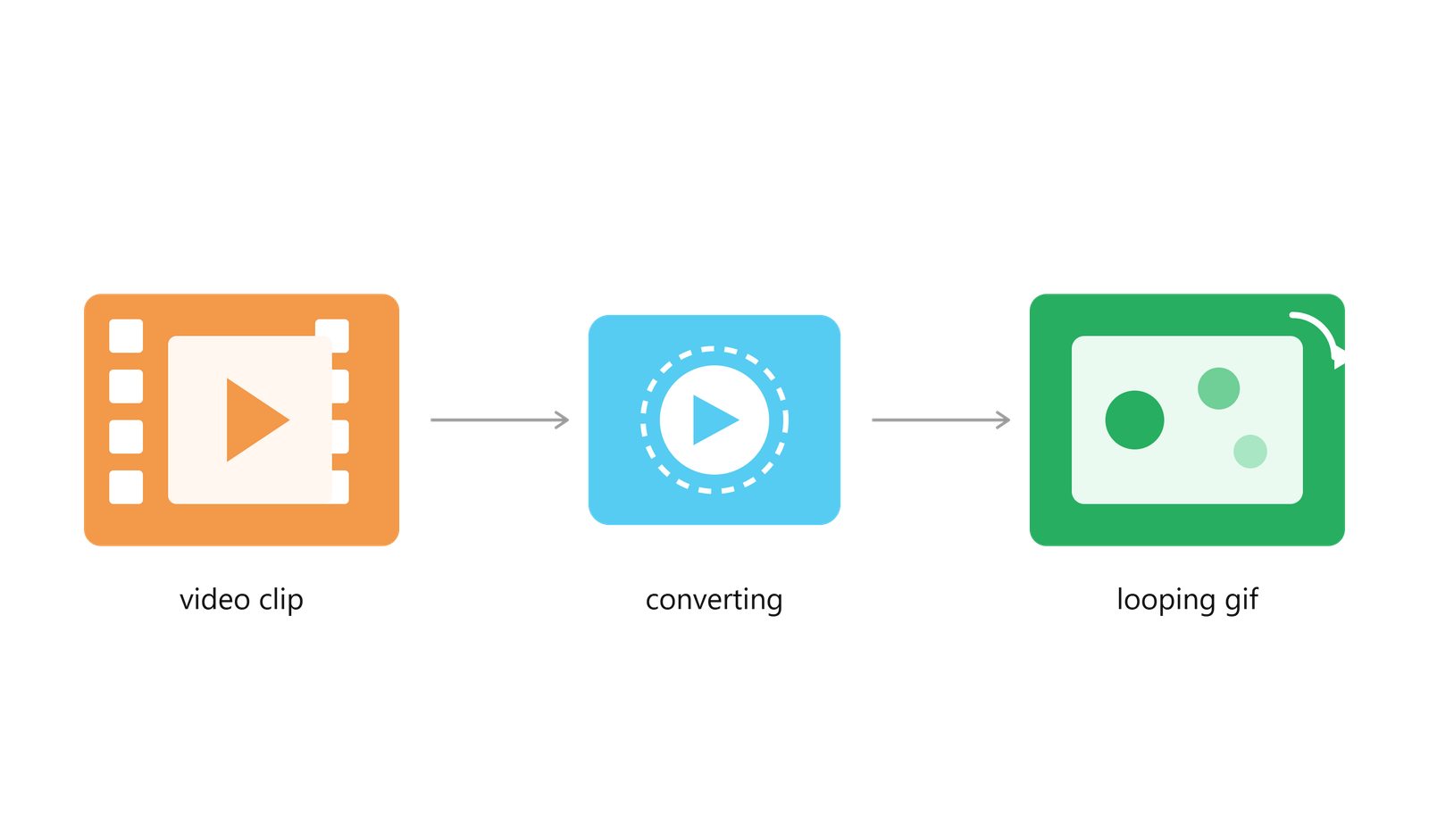
A hands-on breakdown of the video-to-GIF tools that don't ruin quality, add watermarks, or waste your time — tested the messy way, one late night at a time.
A complete guide to removing image backgrounds online for free — no uploads, no Photoshop, no waiting. Learn how AI-powered background removal works and why it beats paying a freelancer or uploading to a server.
A Word file that looks perfect on your laptop can open looking completely different on someone else screen, and for students and professionals submitting assignments, resumes, or reports, that difference can cost marks or opportunities.
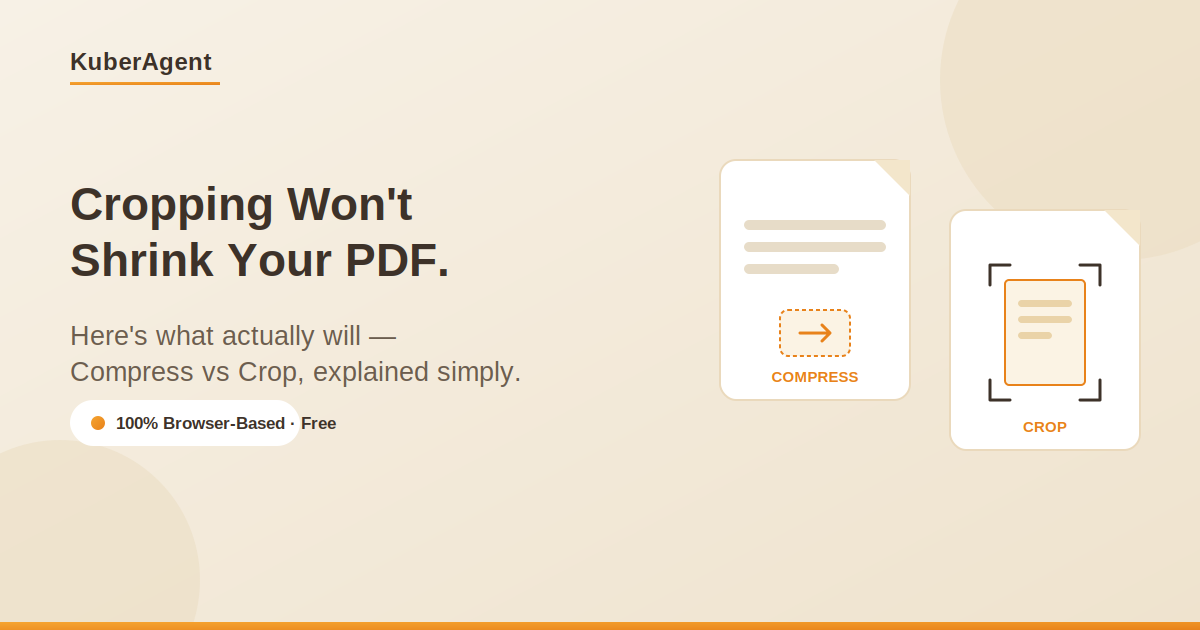
Your PDF just got rejected for being "too large," or it looks unprofessional with huge white margins around a scan. Most people reach for the wrong fix and then wonder why nothing changed.
Go beyond basic meme templates. Learn how to build multi-scene meme storyboards, sync text timelines, apply canvas effects, and export in any aspect ratio — all free, private, and browser-based.
Learn how to combine multiple MP3, WAV, and M4A audio files into a single continuous track for free — no uploads, no software install, no account needed. 100% browser-based and private.
A complete guide to converting HEIC photos to JPG, PNG, or WebP without uploading them anywhere. Learn why HEIC causes compatibility issues, how browser-based conversion keeps your files private, and step-by-step instructions for every device.
Learn how to convert any video clip into a high-quality, looping GIF for free — no software install, no watermark, and no file uploads. Works entirely in your browser.